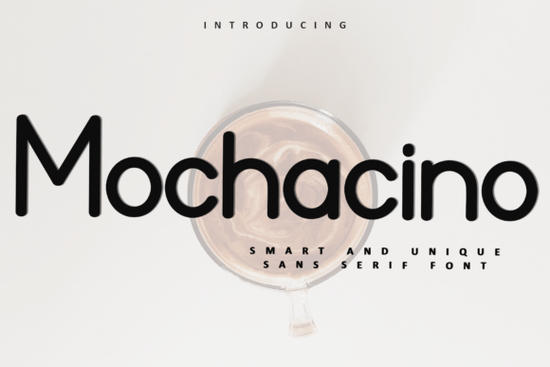
If you're working on holiday-themed designs whether it’s greeting cards, gift tags, or cozy seasonal branding you’ve probably been searching for a font that feels warm, playful, and full of character. That’s where Mochacino Font comes in. With its whimsical curves and festive details, Mochacino adds a nostalgic charm that’s perfect for winter celebrations without leaning too heavily into clichés.
Unlike many seasonal fonts that rely solely on snowflakes or holly, Mochacino blends hand-lettered warmth with subtle decorative elements that feel both modern and timeless. It’s especially useful if you want your typography to carry emotional weight think “homemade hot cocoa by the fire” rather than “generic holiday sale.” And because it’s PUA encoded, you get easy access to all its alternate glyphs and ligatures right from your design software, no extra plugins needed.
What kinds of projects work best with Mochacino?
This font shines in personal and small-business applications where personality matters:
- Greeting cards – Pair it with soft watercolor backgrounds or kraft paper textures for an artisanal feel.
- Gift tags and packaging – Its friendly letterforms make even simple labels feel thoughtful.
- Print-on-demand mugs, ornaments, or apparel – Use it for short phrases like “Warm Wishes” or “Cozy Season” that resonate during colder months.
- Social media graphics – Ideal for Instagram stories or Pinterest pins promoting seasonal products or events.
Keep in mind that Mochacino is a display font, so it’s best used for headlines, short quotes, or decorative text not body copy. For longer messages, consider pairing it with a clean sans-serif. If you’re looking for complementary options, fonts like Maple Doughnuts Family or Onelia offer gentle roundness that harmonizes well without competing for attention.
How does PUA encoding help you as a creator?
PUA (Private Use Area) encoding means all the special characters swashes, alternates, flourishes are built into the font file and accessible through standard design tools like Adobe Illustrator, Photoshop, or even Canva (with OpenType support). You don’t need to manually install extras or hunt through symbol menus. Just type, and if your software supports glyph panels, you can easily swap in stylistic variants to customize each word.
This is especially helpful for crafters and small shop owners who may not have advanced typography skills but still want professional-looking results. A single word like “Noel” can look completely different depending on which alternates you choose giving you flexibility without complexity.
How does Mochacino compare to other holiday fonts?
Many seasonal fonts lean either overly rustic (think rough chalkboard styles) or ultra-modern (minimalist sans-serifs with a single ornament). Mochacino strikes a balance it’s cheerful but not childish, decorative but not overwhelming. It avoids the “clip-art” vibe that some holiday fonts fall into.
If you enjoy Mochacino’s handcrafted warmth, you might also appreciate the playful bounce of Fluffernutter for non-holiday projects, or the urban elegance of Brooklyn when you need something more neutral. And for year-round versatility with similar charm, Mochacino actually stands out as a seasonal specialist rather than an all-purpose typeface which is exactly why it works so well when December rolls around.
Tips for using Mochacino effectively
- Use generous spacing – The decorative tails and loops need room to breathe. Avoid tight tracking.
- Limit uppercase usage – The lowercase forms carry most of the personality; ALL CAPS can lose the whimsy.
- Pair with muted colors – Cream, forest green, burgundy, or soft gold enhance its nostalgic mood better than bright reds or icy blues.
- Test print quality – If you’re using it for physical products, ensure fine details (like thin swashes) reproduce clearly at small sizes.
Remember: the goal isn’t just to say “it’s Christmas,” but to evoke the feeling of quiet joy, shared moments, and handmade care. Mochacino helps you do that typographically without saying a word.
Before you download, check this quick list:
- ✅ Confirm your design software supports OpenType features (most do).
- ✅ Plan how you’ll pair it with a readable sans-serif for supporting text.
- ✅ Consider licensing if you’re selling physical or digital products, make sure your Creative Fabrica subscription covers commercial use.
- ✅ Save time by exploring the full glyph set early; you might discover alternates that perfectly match your project’s tone.
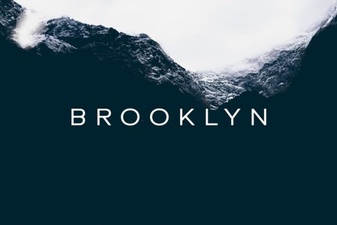 Brooklyn Font for Modern Web & Print Projects
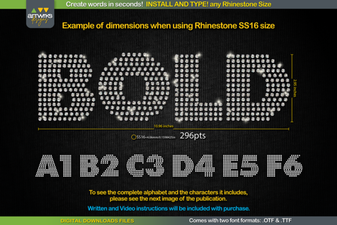 Spark Your Projects with Modern Rhinestone Fonts
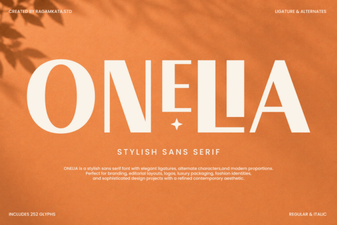 Onelia Font: Design Projects & Creative Inspiration
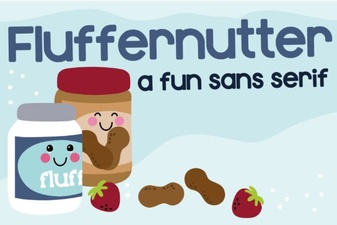 Design Ideas with Fluffernutter Font
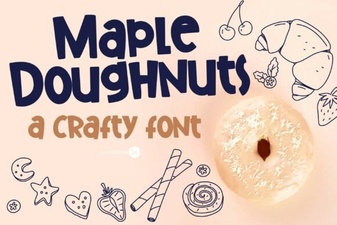 Maple Font Family for Doughnut Shop Branding
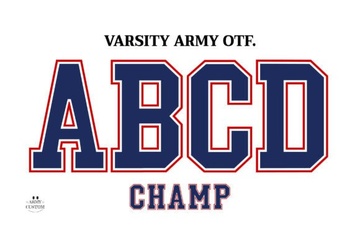 Designing with Varsity Army Font in Sports Projects